split
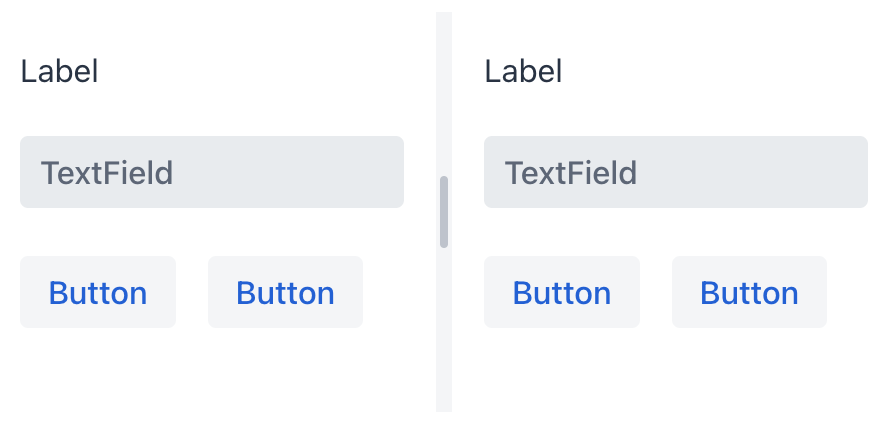
split creates two content areas separated by a draggable splitter.
XML Element |
|
|---|---|
Java Class |
|
Basics
split must contain exactly two components or layouts. The example gives the primary area 45% of the available space with splitterPosition="45" and nests a vertical split in the secondary area. Users can drag either splitter to resize its areas.
<split width="100%" themeNames="splitter-spacing" splitterPosition="45">
    <textArea label="TextArea1" width="100%" height="100%"/>
    <split orientation="VERTICAL">
        <textArea label="TextArea2" width="100%" height="100%"/>
        <textArea label="TextArea3" width="100%" height="100%"/>
    </split>
</split>
Theme Variants
Use the themeNames attribute to set a component theme.
| Variant | Description | Supported By |
|---|---|---|
|
Hides the visual styling of the splitter. |
Aura, Lumo |
|
Uses a thinner splitter that becomes visible on hover. |
Aura, Lumo |
|
Adds spacing around the splitter. |
Aura, Lumo |
Attributes
Common attributes serve the same purpose for all components. The following attributes are specific to split:
| Name | Description | Default |
|---|---|---|
Controls whether the content areas are arranged side by side ( |
|
|
Sets the initial splitter position as a percentage of the layout size. |
— |
Handlers
| Name | Description |
|---|---|
Fires when the layout is attached to the UI. |
|
|
Fires when the layout is clicked. |
Fires when the layout is detached from the UI. |
Elements
A split must contain exactly two components or layouts: the primary and secondary content areas.