JMX Console
This add-on provides a web UI to monitor and manage the application components through the standard Java Management Extensions (JMX) API. It is a convenient alternative to such tools as JConsole or VisualVM.
The JMX Console view shows all MBeans registered in the JVM of the application. A user can view and change MBean attributes and invoke operations.
Installation
For automatic installation through Jmix Marketplace, follow instructions in the Add-ons section.
For manual installation, add the following dependency to your build.gradle:
implementation 'io.jmix.jmxconsole:jmix-jmxconsole-starter'|
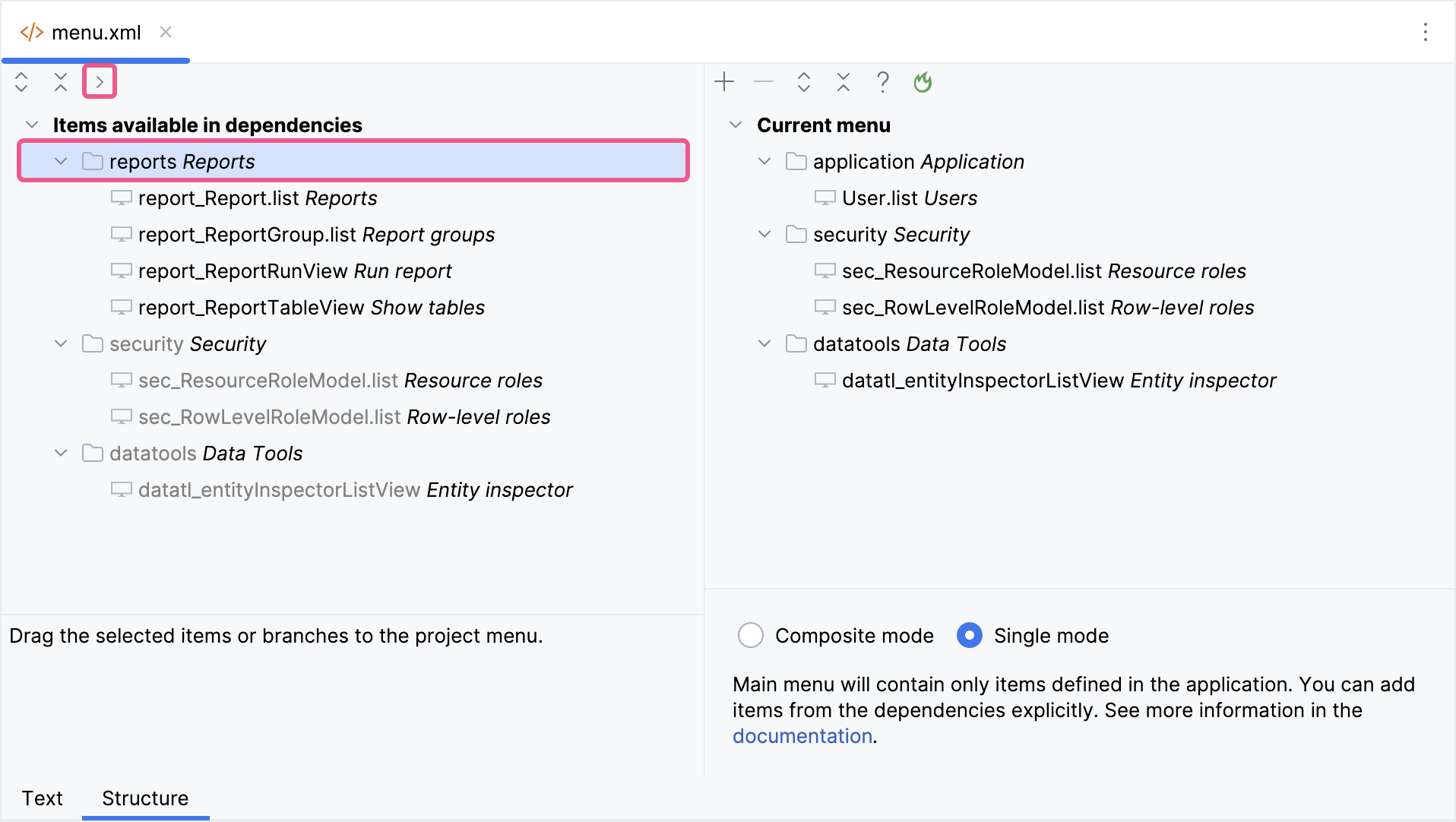
Important Note for Single Menu Mode Applications If your application uses Single menu mode, you should manually add menu items after installing an add-on.
This step is required because applications in Single menu mode do not automatically merge add-on menus with the existing structure. |
Restricting Write and Invoke Operations
By default, users with the permissions to JMX Console can change MBean attributes and invoke MBean operations. You can restrict the console to read-only inspection by setting the jmix.jmxconsole.write-and-invoke-enabled application property to false.
When disabled, write and invoke operations are blocked on the backend, and the corresponding edit and invoke actions are disabled in the UI.
This feature is also controlled by the global jmix.core.unsafe-runtime-features-enabled switch.
Default value: true