Audit
The Audit add-on provides the Entity Log functionality for tracking changes in your JPA entities.
Installation
For automatic installation through Jmix Marketplace, follow instructions in the Add-ons section.
For manual installation, add the following dependencies to your build.gradle:
implementation 'io.jmix.audit:jmix-audit-starter'
implementation 'io.jmix.audit:jmix-audit-flowui-starter'|
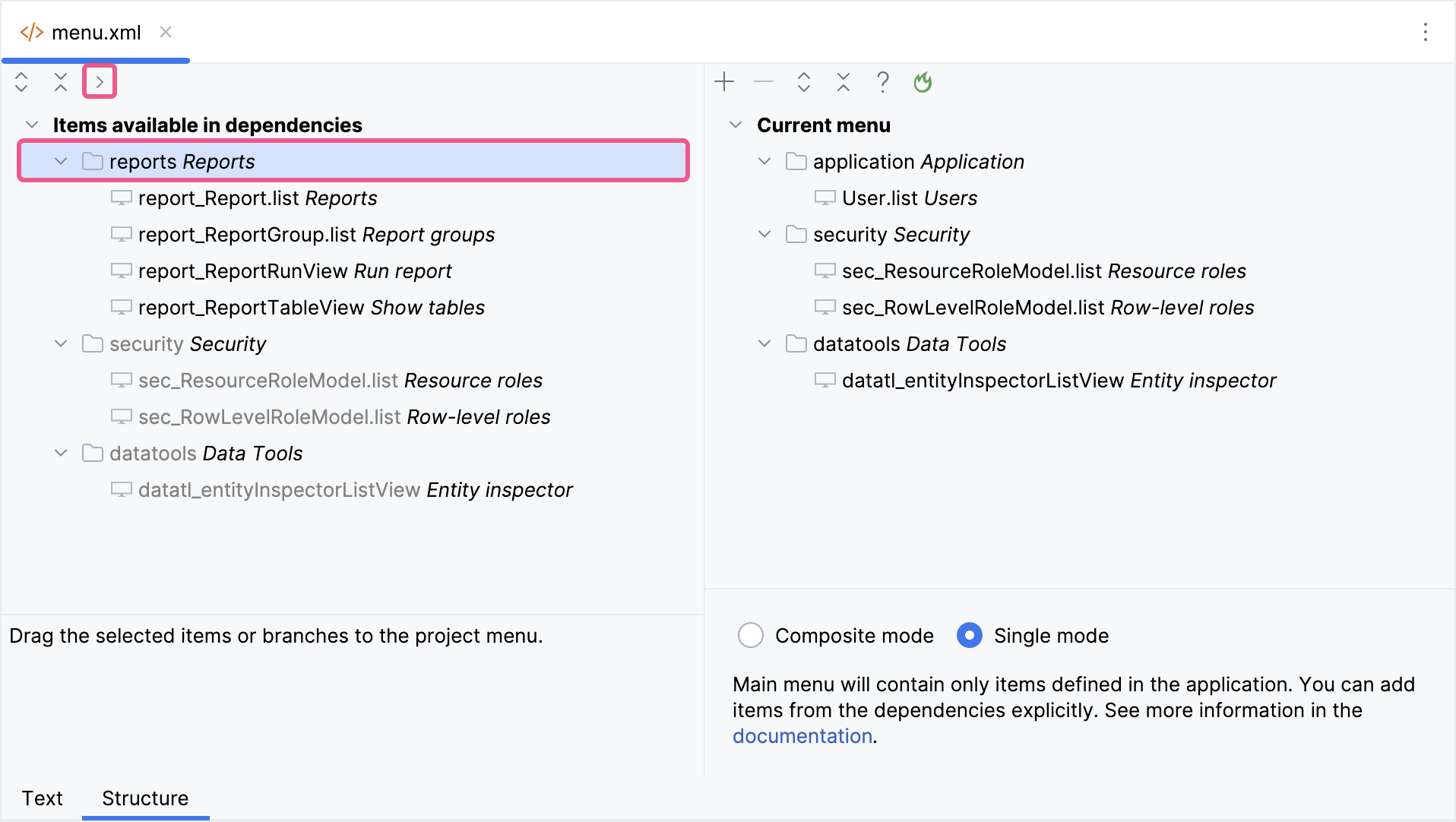
Important Note for Single Menu Mode Applications If your application uses Single menu mode, you should manually add menu items after installing an add-on.
This step is required because applications in Single menu mode do not automatically merge add-on menus with the existing structure. |