Process Instances
The Process Instances view displays a list of active and completed process instances.
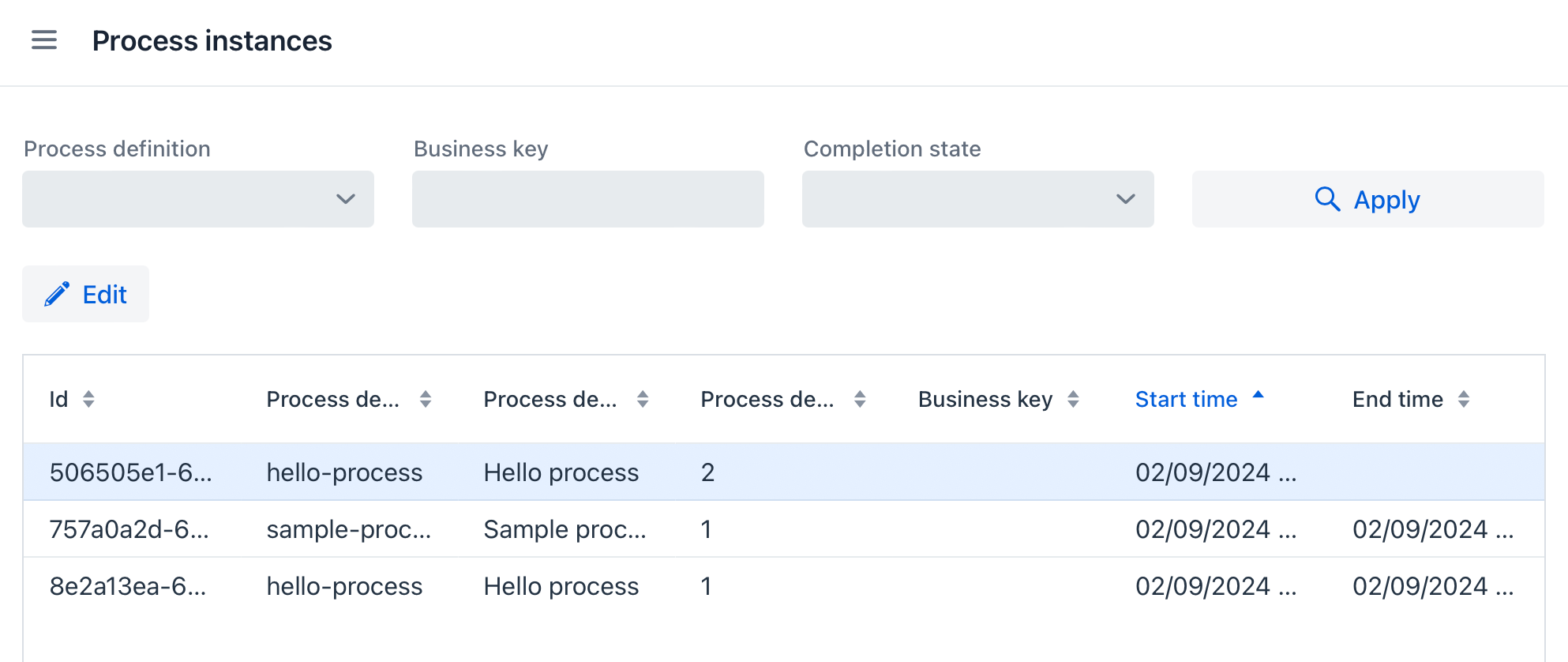
Instance List Features
The following actions are available:
-
Filtering instances — Filter instances by process definitions, business key, or completion state (
ActiveorCompleted). -
Sorting instances – Sort the list by Start time or End time or other table columns.
-
Editing instance – Select an instance in the list and click Edit to open the Process instance detail view.
Process Instance Detail
The Process instance detail view shows detailed information about a selected process instance and allows you to manage it.
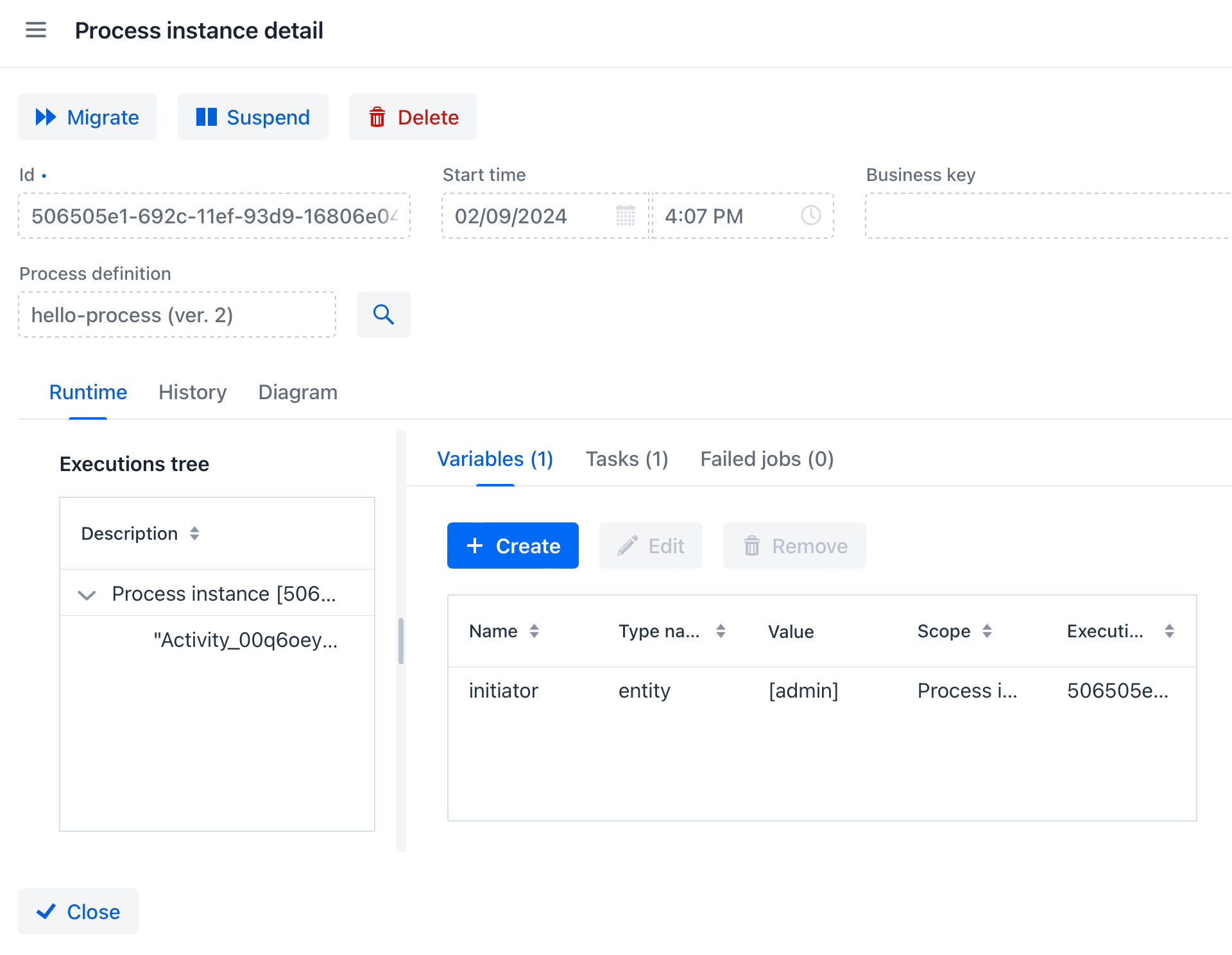
The following actions are available:
-
Migrate — initiates migration of the process instance to a newer version of the process definition.
-
Suspend – suspends the process instance.
-
Delete — permanently deletes the process instance.
-
Runtime tab — displays runtime information about the instance:
-
Execution tree — shows activities in the process instance as a tree.
-
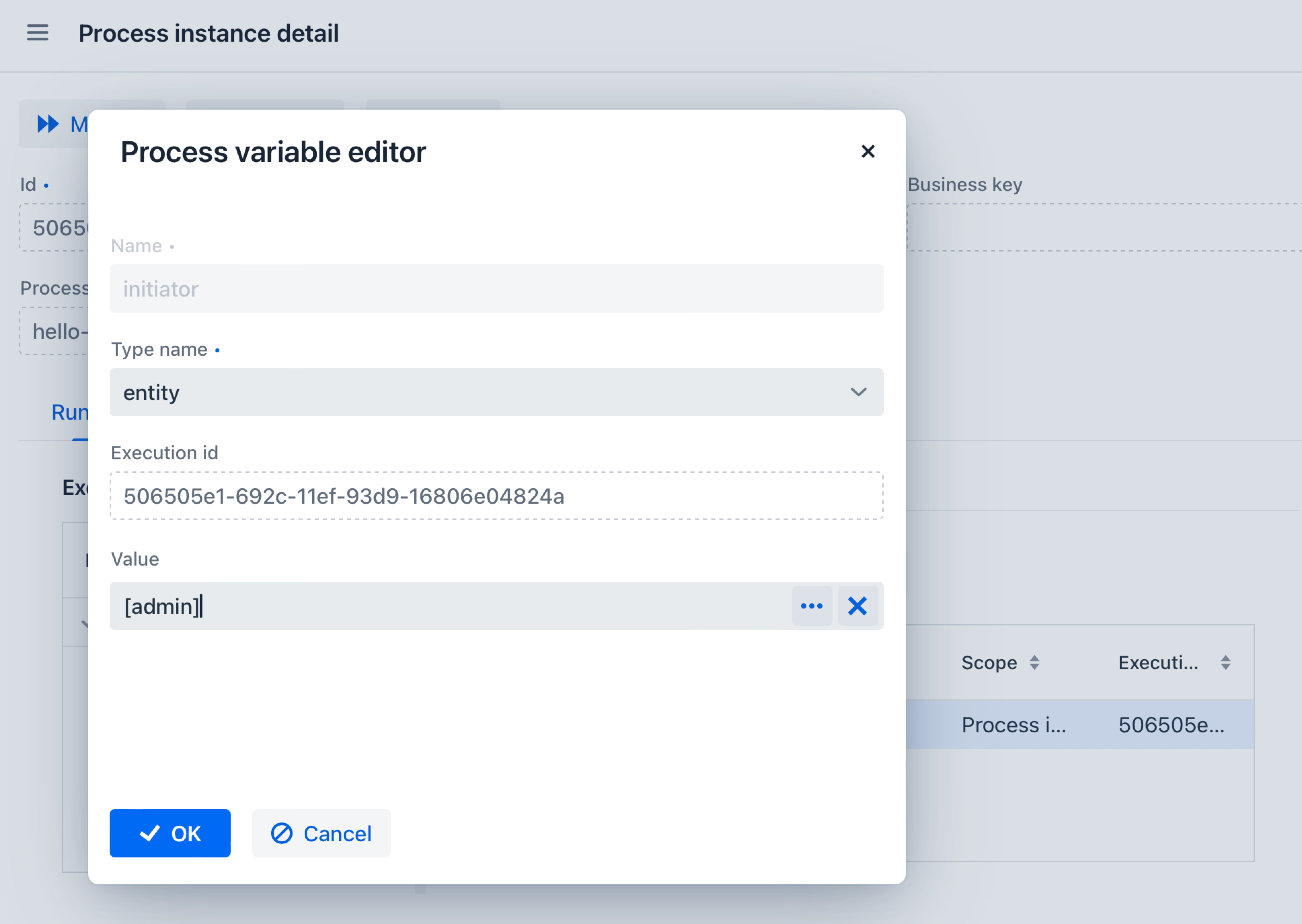
Variables tab — allows creating, editing, and deleting process variables.
-
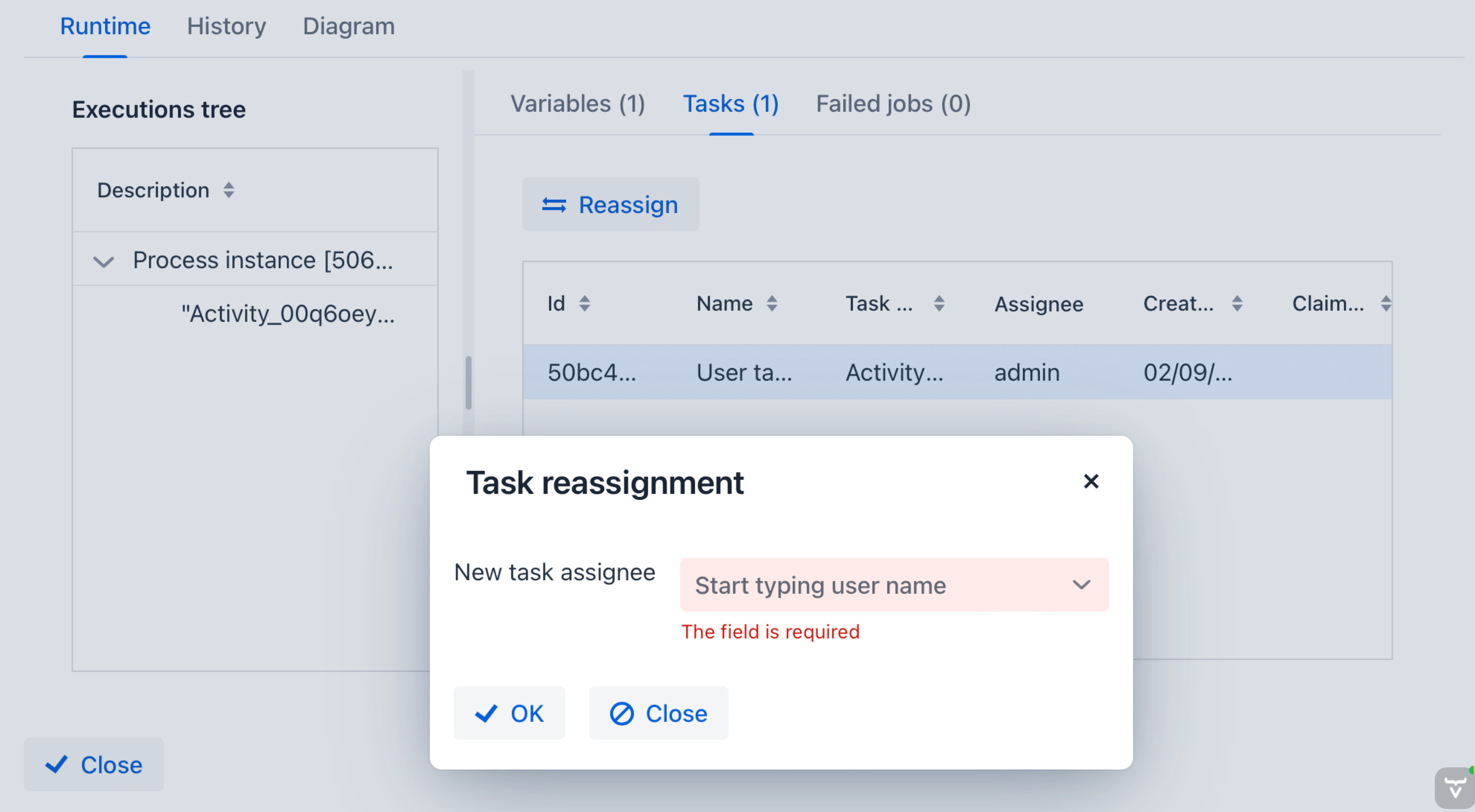
Tasks tab — displays active tasks and allows reassigning them to other users.
-
Failed jobs tab — lists jobs that encountered errors, provides stack traces, and allows retrying them after resolving issues.
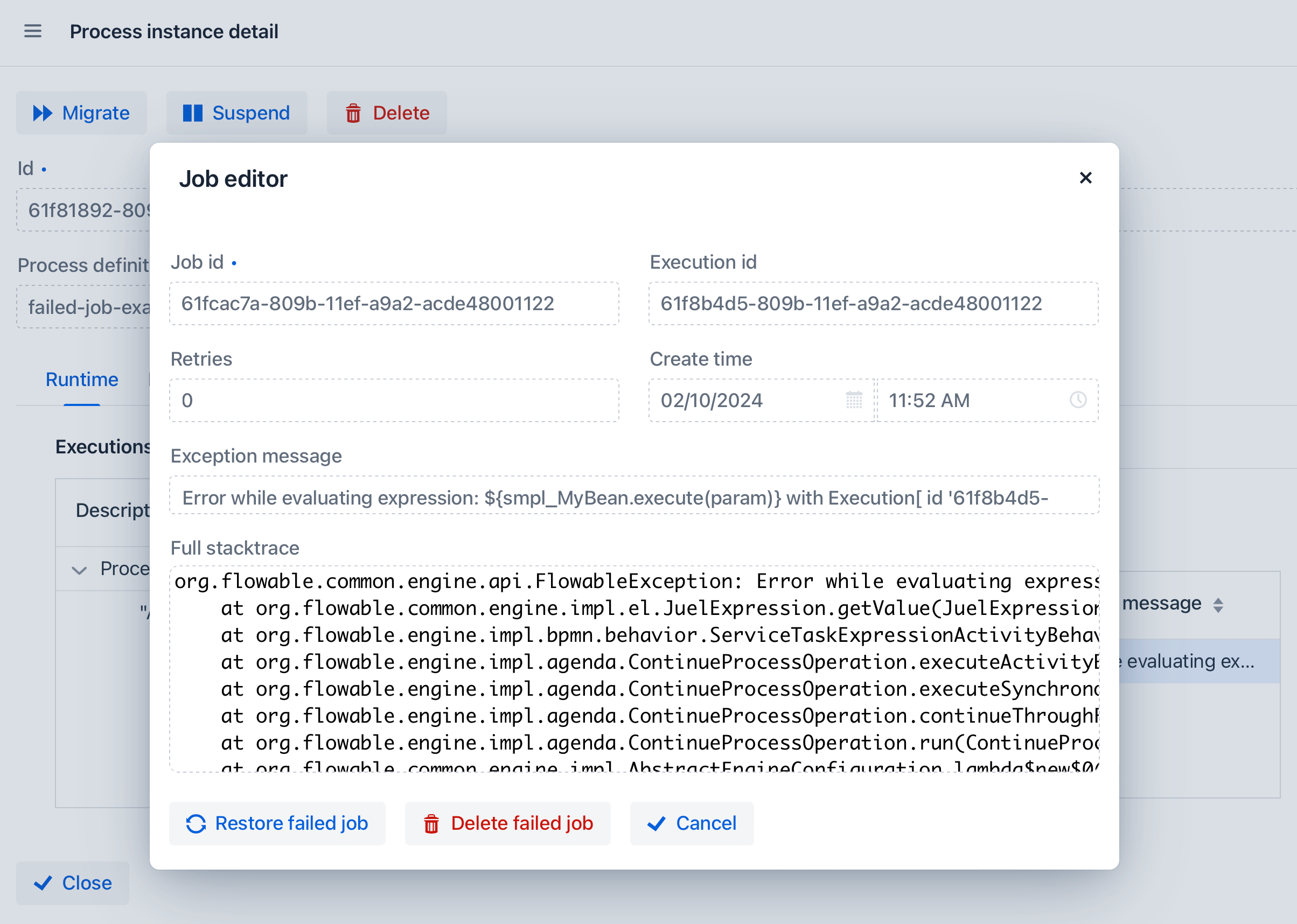
-
-
History tab — shows all user tasks (active and completed), activities, and the latest values of process variables. The displayed data depends on the history level.
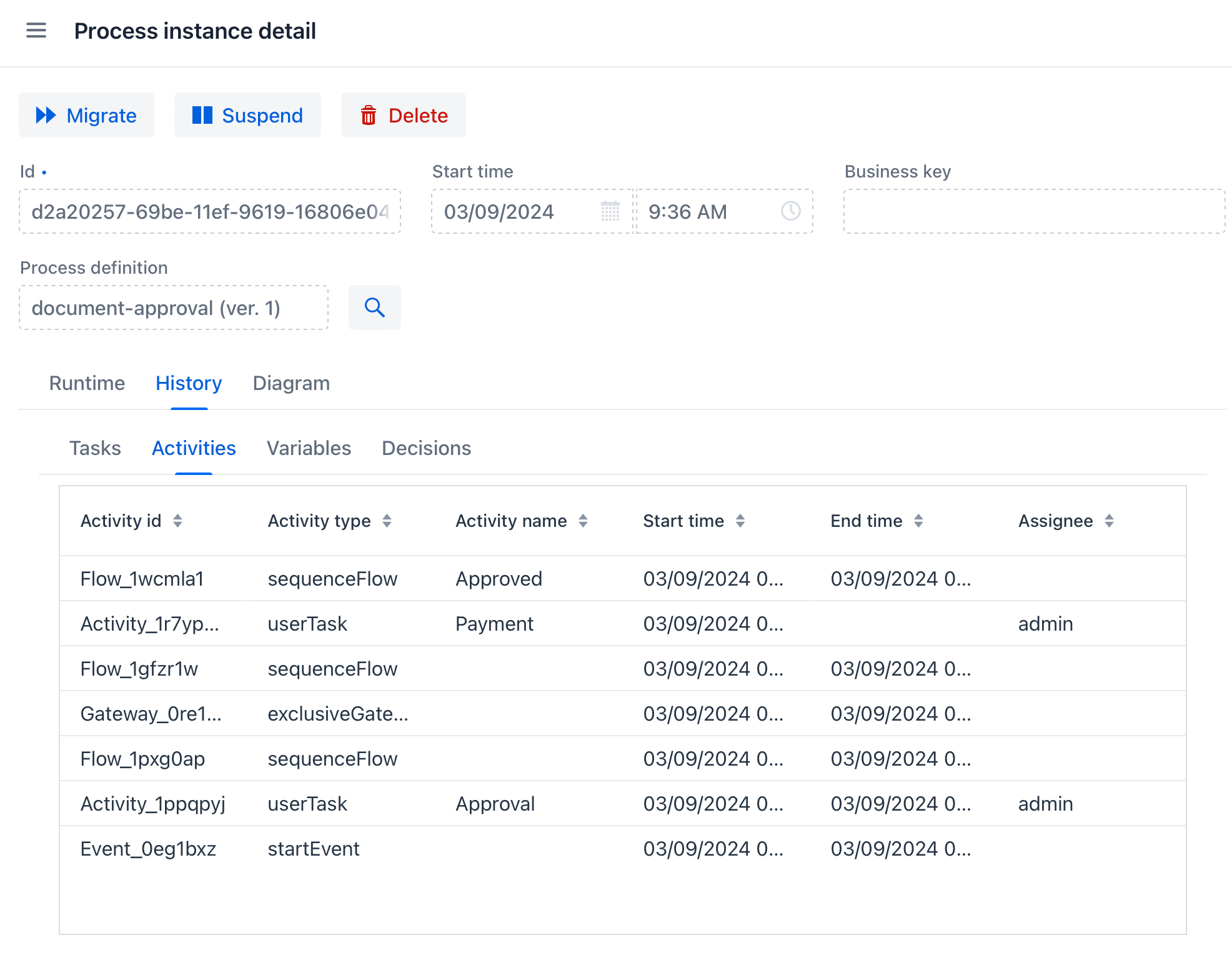
-
Diagram tab — displays a process diagram with visual indication of executed path.
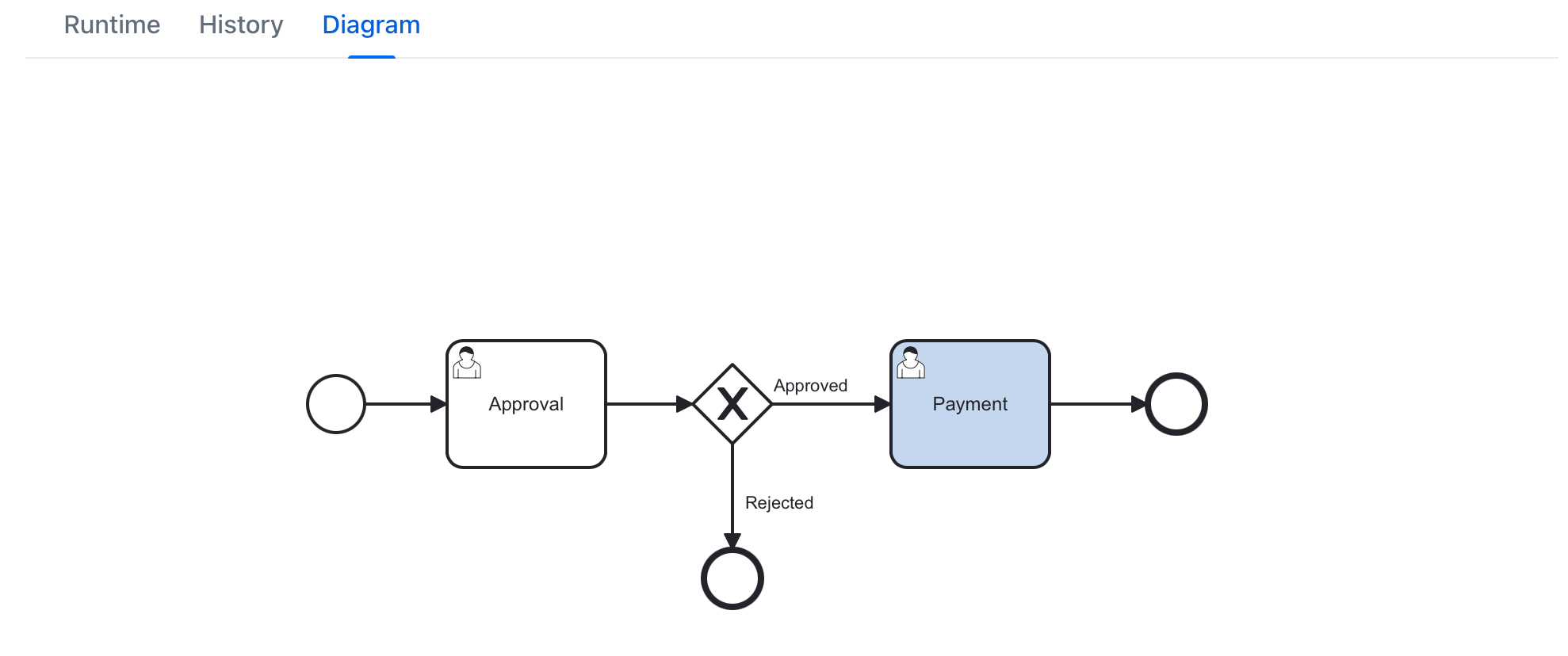
-
Completed activities are highlighted in green.
-
Active element is highlighted in blue.
-