Decision Table Modeler
The Decision Table Modeler view lets you create and edit decision tables.
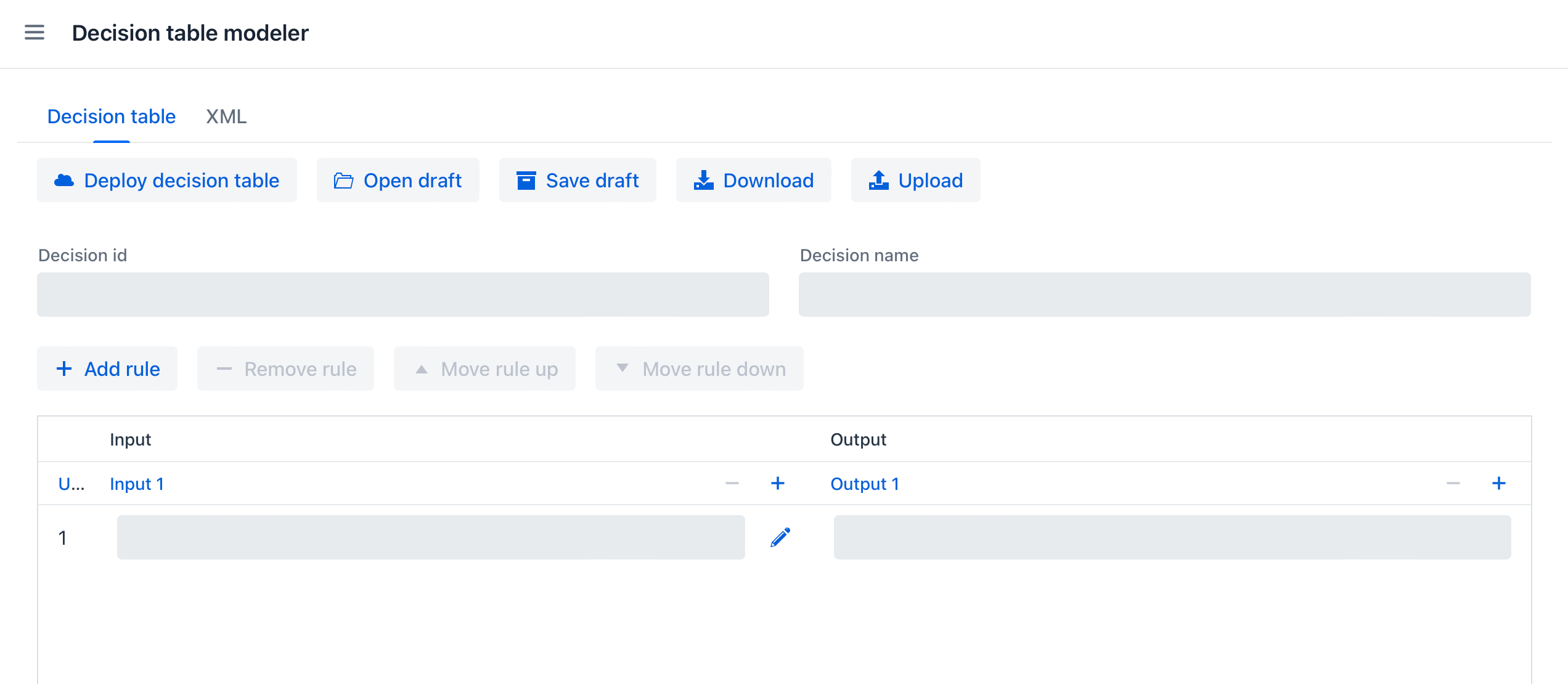
Modeler Actions
The following actions are available:
-
Edit decision table – Specify the decision ID and name, configure input and output columns, and add, remove, or reorder rules.
-
Deploy decision table – Deploy the current table to the decision engine.
-
Open draft – Open a previously saved decision table draft.
-
Save draft – Save the current decision table as a draft.
-
Download – Download the current table as a DMN XML file.
-
Upload – Import a table from a DMN XML file.
-
View XML – Switch to the XML tab to inspect the generated DMN definition.
See Modeling Decision Tables for details about configuring inputs, outputs, and rules.
Was this page helpful?
Thank you for your feedback