Entity Inspector
Entity Inspector provides auto-generated UI for your data model entities. It allows you to browse, create, update and remove entity instances without creating any specific UI. Also, if your entity is soft-deleted, Entity Inspector lets you browse, restore or wipe out deleted instances.
Entity Inspector respects data access constraints imposed by security, so it can be helpful both for administrators and for users with limited permissions.
Open the Data tools → Entity inspector view and select an entity from the Entity type list.
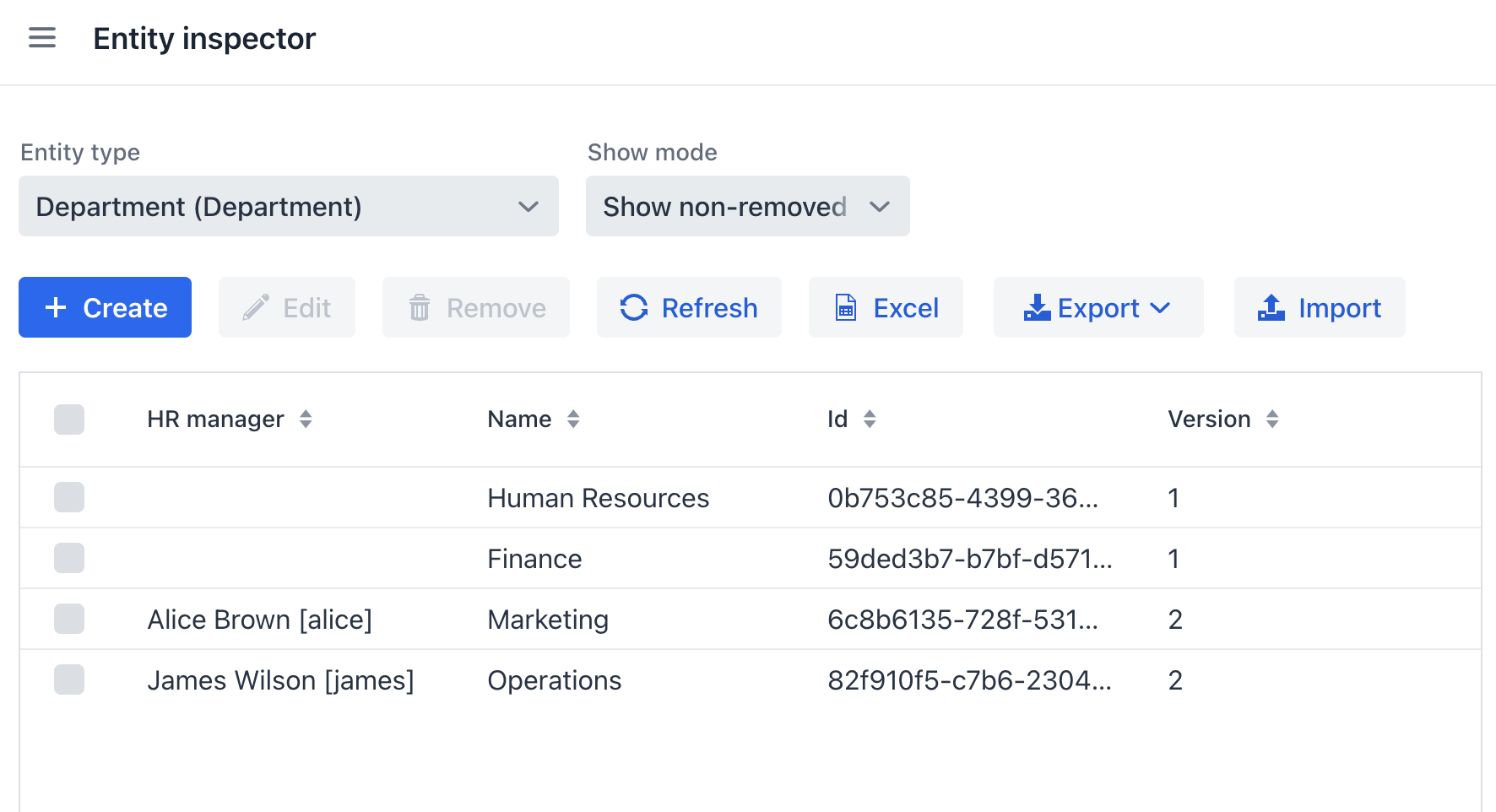
In case the entity is soft-deleted, the Show mode dropdown allows you to view removed entities and restore or wipe them out.
The Export and Import actions allow you to export and import entities to/from JSON.
Using the |
